I set out to learn how 3D rendering works — not with fancy tools or libraries but from scratch, using just the HTML <canvas> element and some math. Calculating Pixel by Pixel.
The idea was pretty simple: I wanted to build my own small web-based engine for creating animations for a future bigger Project. And to do that, I needed to understand how 3D graphics actually work. What better place to start than by writing a Renderer completly from the ground up?
Overkill? Yes? Lets go!
Have a look at the Functioning Code:
Behold a Rotating Cube, calculated by Handwritten Code Pixel by Pixel for your Viewing pleasure.
To begin, I created a basic Vertex class that held 3D coordinates (x, y, z), and a Vertex2D class for handling projected 2D screen positions. Along the way, I also wrote some useful vector math functions — things like:
Vector subtraction
Cross product (for calculating surface normals)
Vector magnitude
Scalar multiplication
An edge function (which helps when working with triangle rasterization)
At the time, all of this was new to me too, but it was a great way to really understand how rendering works under the hood. Additonally it was a creat Exercise too Understand why High School Mathematics are not only for Sadistical Sadisfaction for the Teacher.
Using my Vertex class, I defined a cube by placing 8 points in 3D space — one for each corner. With these, I could then define triangle faces.
Triangle faces are a standard practice in 3D graphics — triangles are always flat, easy to work with, and never ambiguous. It’s how allmost all 3D rendering engines handle geometry behind the scenes.
And triangles have more Tricks up their Sleeve, which can be utillized for saving Computing Power. One of this Tricks is Backface Culling.
Backface culling — is a simple optimization that avoids drawing faces of the cube that are turned away from the viewer. If this wasn’t the case you could always see all Points and lines true the Cube and would have a Wireframe like so:
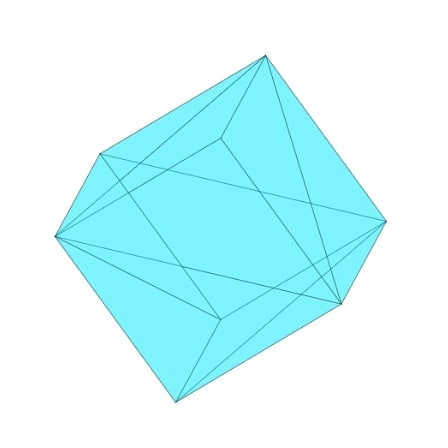
Using Backface culling saves on calculations, and it also helps with visual clarity, especially when you’re just starting out and trying to debug everything manually. If the triangle’s normal points away from the camera, It just skipps drawing the Face.
The Result looks like this:
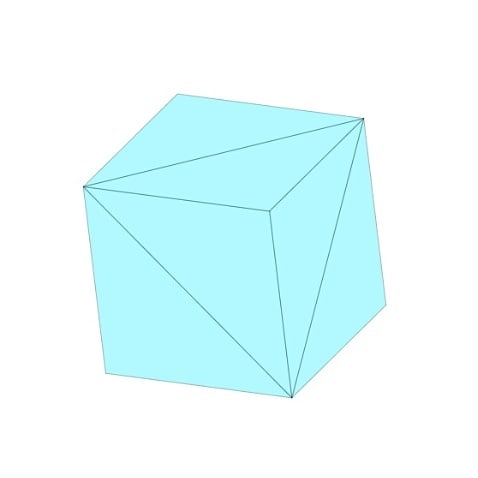
The Cube looks Normal.
And if you remove a Face too look inside of the Cube:
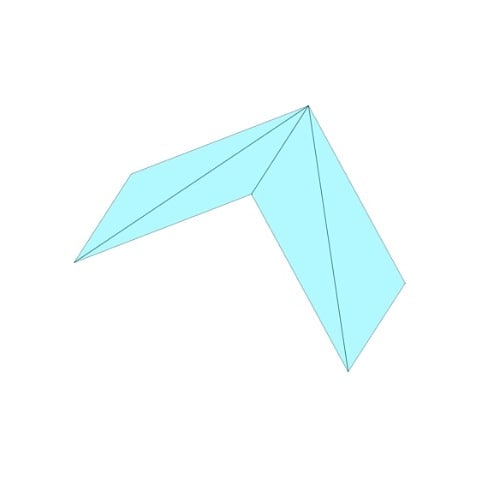
You can see, that you can see Nothing. Exactly as youre Supposed too, as those Triangles Facing to the Backside of the Cube should not be rendered from this Viewing Angle.
Another fun Image came by Accidant disabling the Screen Buffer reset:
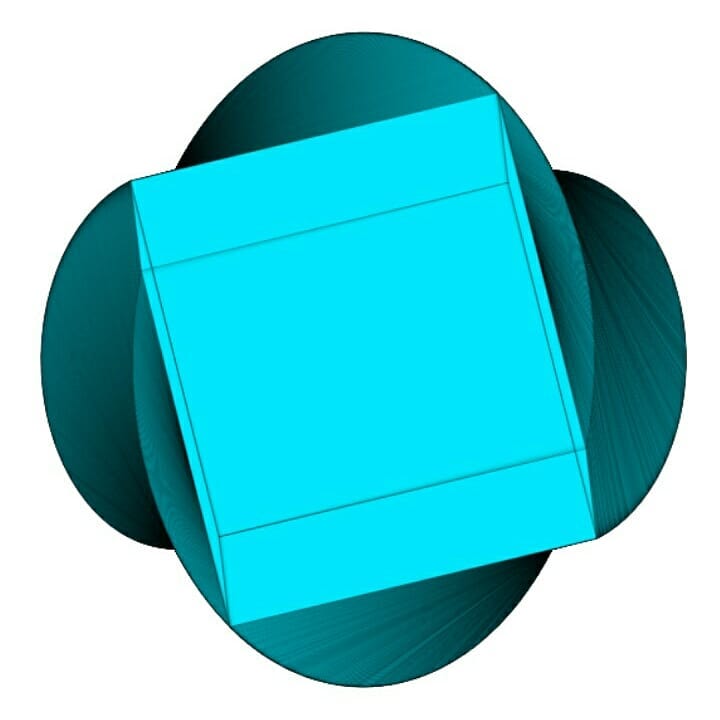
This Image keeps drawing over the Existing Rotating Cube, recreating Windows XP Window Drag Vibes.
For a short amount of time i was even able to render Barycentric Coordinates.
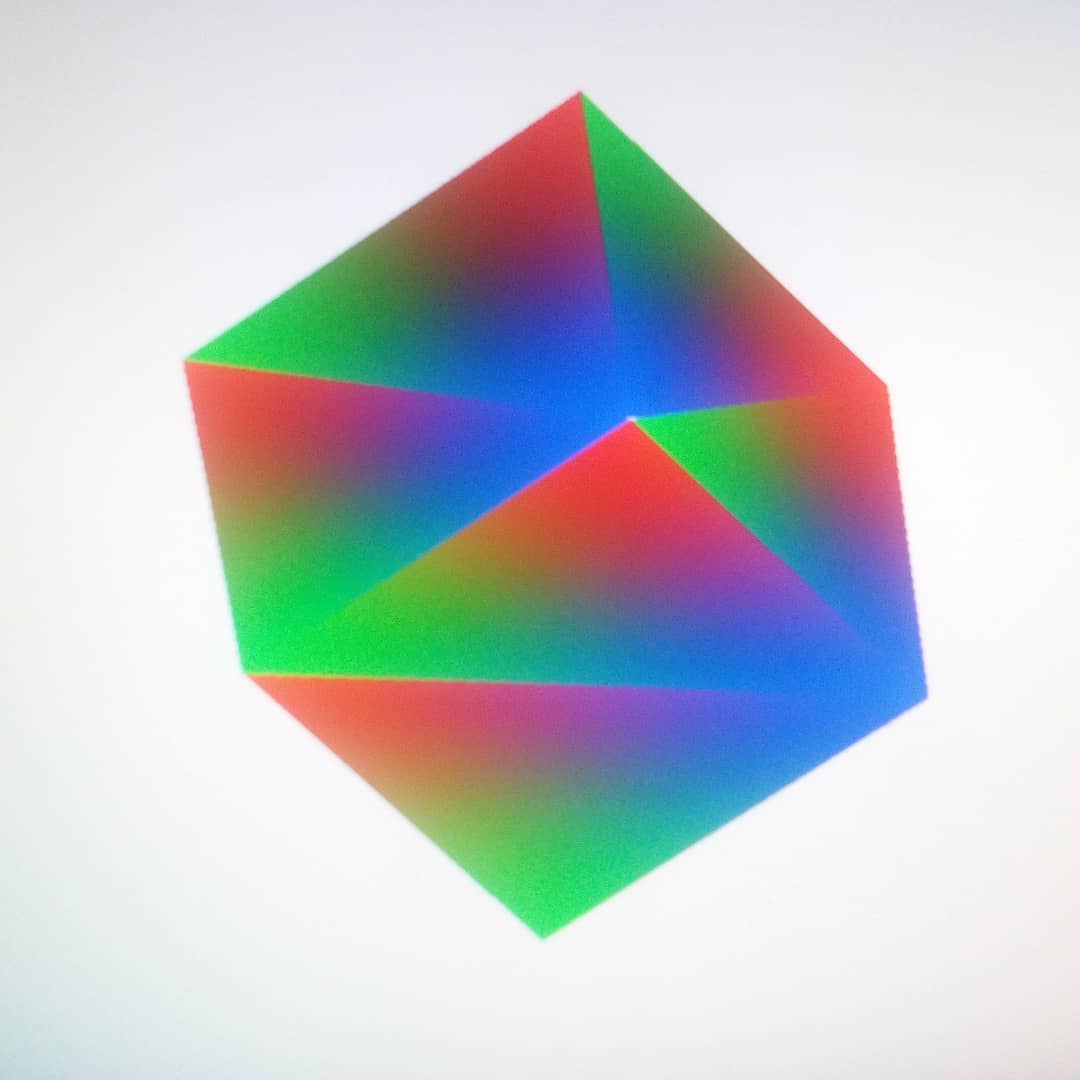
Those Coordinates a very Important for Texturing the Cube and other Very Important Things like Z Indexing, to Determine which Object is infront of another.
At around this Point the Project unfortunatly got Archived. But the Learnings from it did not get Archived. I learned a lot from this Project. How the Mathematics in 3D Space behave and what they can be used for, how to write clean Structured Code etc…
Until the next Real Life Render.
Cya Vale