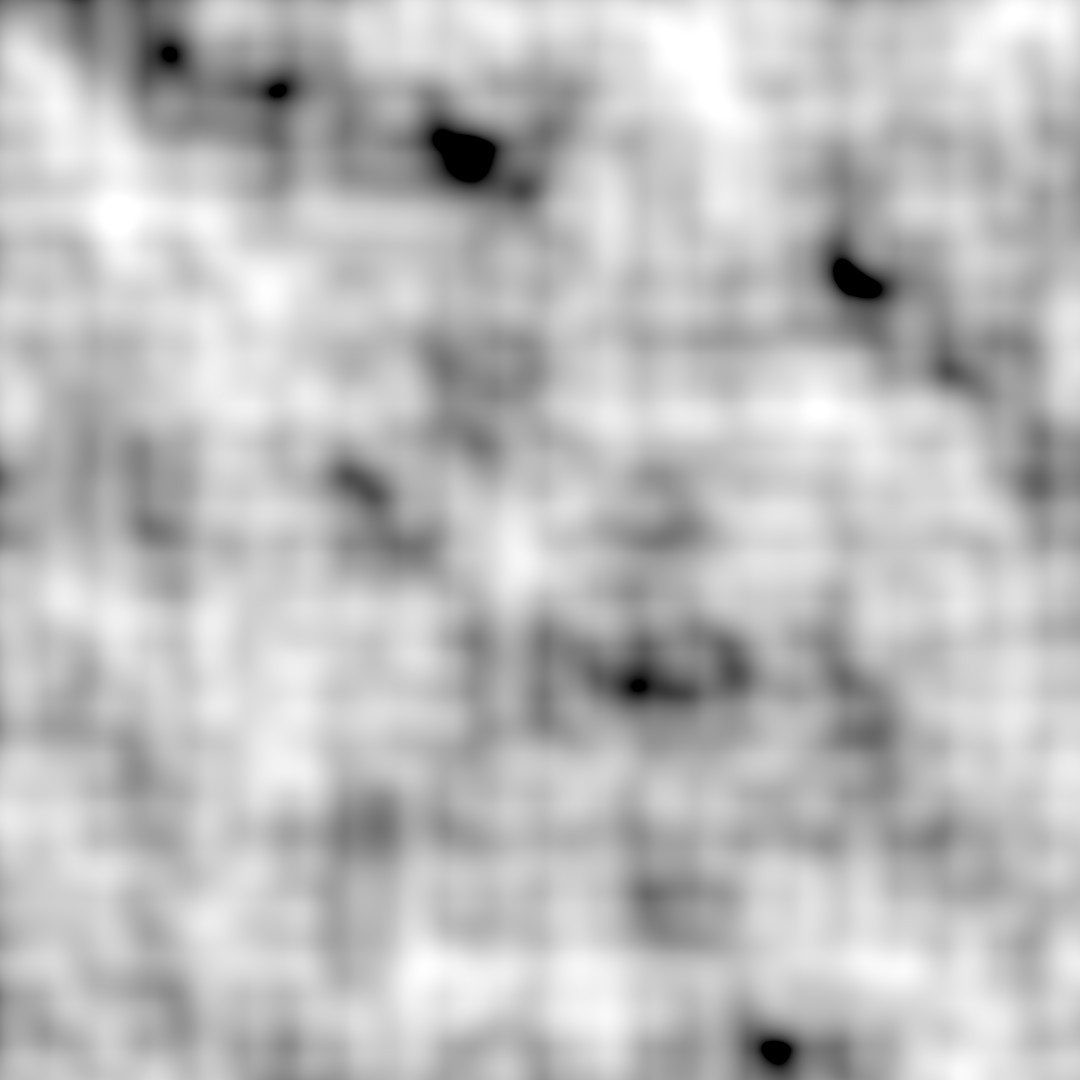
Perlin Noise (shown above) is a type of noise — similar to TV static, but far more special. It’s a function that generates smooth, natural-looking random patterns. Unlike simple random noise, which looks chaotic and “static”, Perlin Noise creates coherent noise — meaning it’s continuous and flows smoothly. This makes it ideal for procedural generation in games, such as dynamic clouds, fire, or terrain.
Another powerful feature of Perlin Noise is that it can be infinitely and dynamically expanded. Because it relies on pseudorandomness, giving it the same starting number (called a seed) will always produce the same sequence.
This means that a huge terrain — say, 100 km by 100 km — can always be generated on demand from a single simple number, like 12345. All you need to store to recreate the entire world is that seed. That’s an incredible way to save data!
Usually, terrain generation starts with a grayscale texture like the one above. The color black represents a value of 0, white represents 1, and the grayscale values in between correspond to values between 0 and 1.
These values are typically scaled — for example, multiplied by 200 — to define the terrain’s elevation range. So 0 becomes the lowest valley, and 200 becomes the highest mountain.
Each point in the noise map then translates to a block at a certain Y height in the game world.
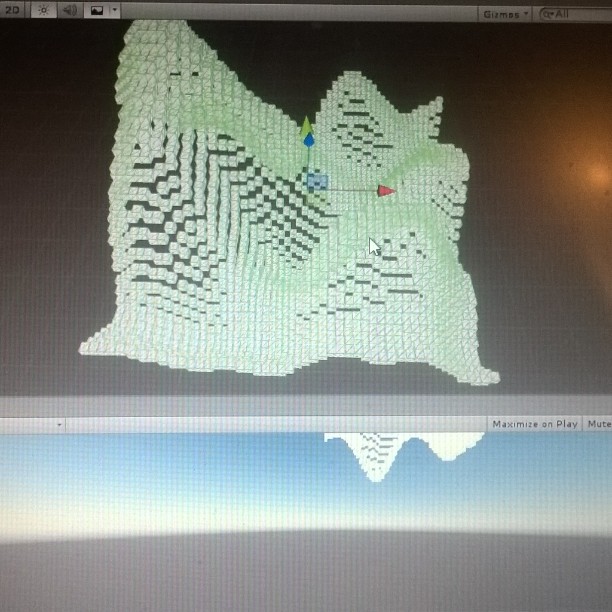
In the example above, the blocks are placed exactly on the decimal values output by the Perlin Noise generator.
To fit the blocks into a voxel grid (like in Minecraft), these decimal values are simply rounded to the nearest whole number:
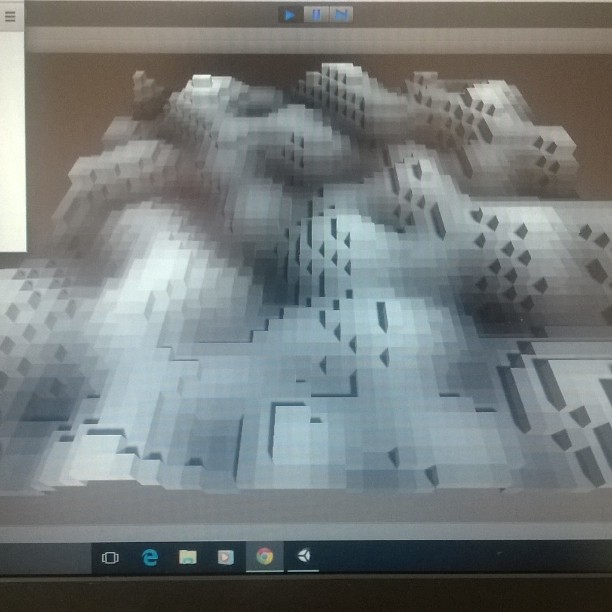
In addition, each cube is colored based on the corresponding grayscale value from the Perlin Noise texture.
To have more control over the blog’s visuals — both form and function — I decided to render the cubes programmatically, down to every single vertex.
This took some time to figure out, since each face of the cube is made up of triangles, and every triangle had to be defined manually in code.
On top of that, the faces are directional — only visible from the front side, depending on the orientation of their normals. If the triangle’s coordinates were written in the wrong order, the face wouldn’t render at all.
Here I am trying to figure out the correct vertex order for each face:
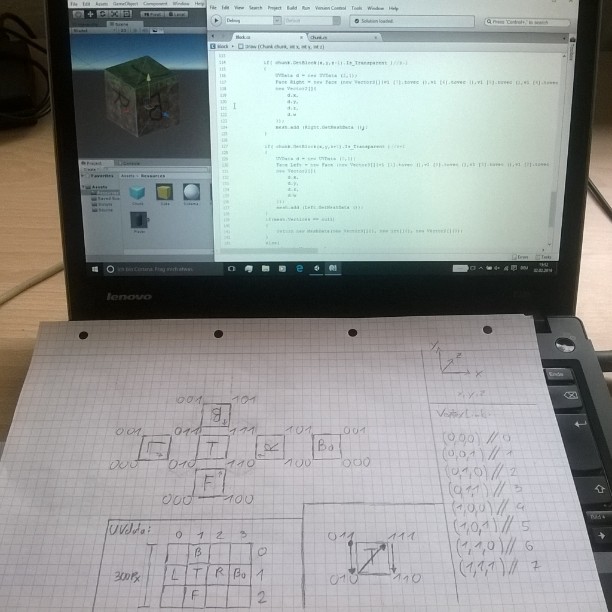
Eventually, I managed to render a cube:
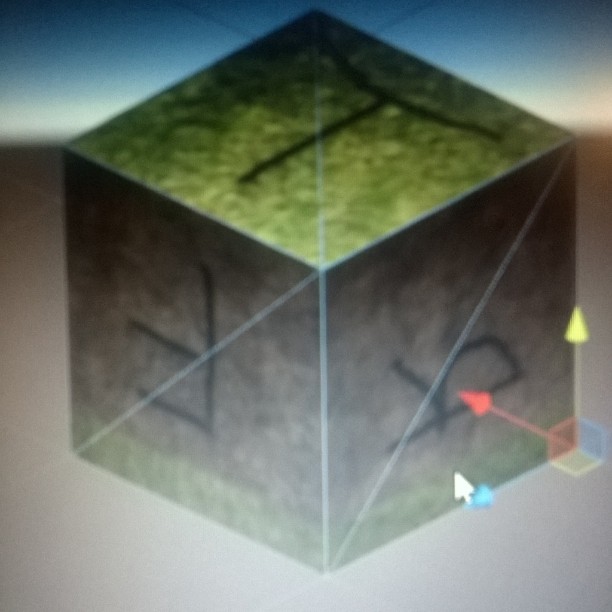
The texture mapping was still off at this point, but I fixed it eventually. In case you’re wondering: T stands for Top, F for Front, R for Right, and so on…
These cubes were then used to generate larger terrain chunks:
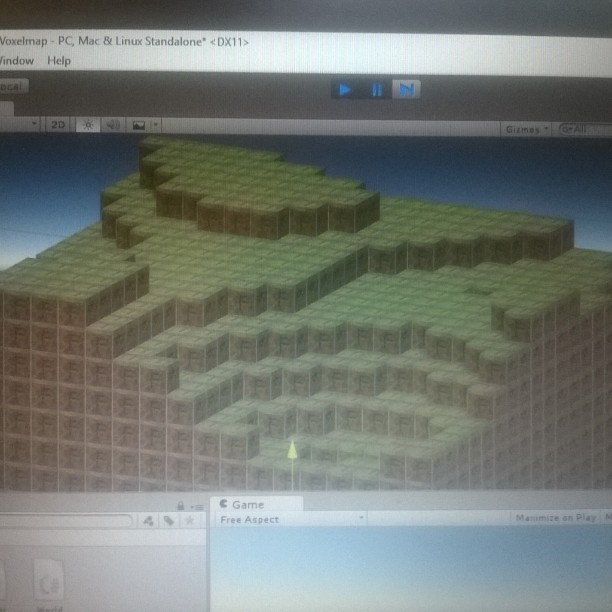
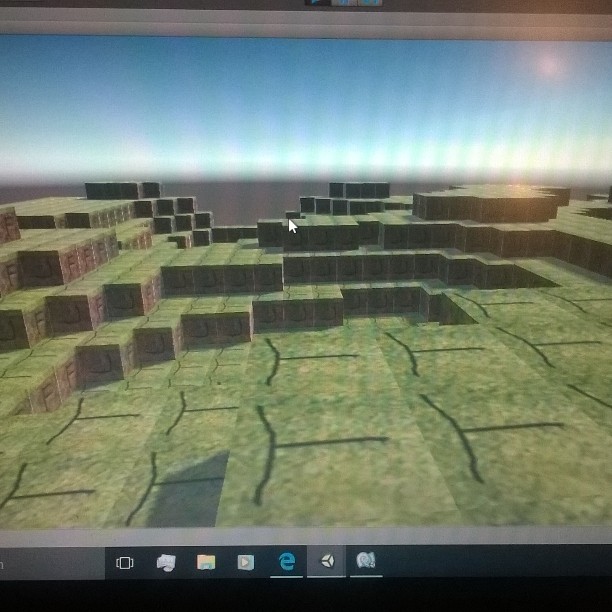
Already looking a little like Minecraft, right?
But what would Minecraft be without building*?
So I added a character that could place blocks:
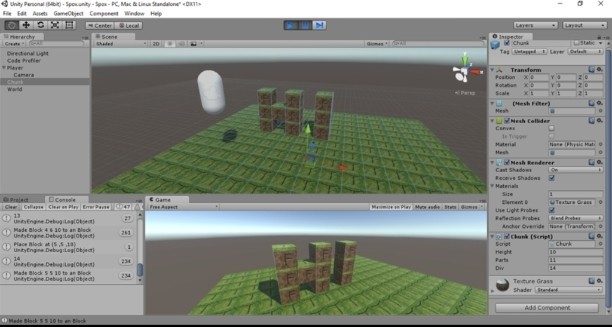
Very Simplistic, but it showcased that it worked.
Hi to you all, and thanks for Reading.
Sorry for the lack of proper screenshots back then. But you can probably imagine how excited I was to get it working!